

When I am using TensorFlow on my MacBook Air, I always get annoyed by the warnings comes from nowhere, so I followed the documentation below to build TensorFlow sources into a TensorFlow binary and installed it successfully. In theory, this will make the TF running faster on my machine.
Here is the document:
If you are a Mac user, you could download the TF binary from here:
Then, you could use conda to initialize an environment with Python=3.6 and install TF by typing:
sudo pip install tensorflow-1.8.0-py2-none-any.whl
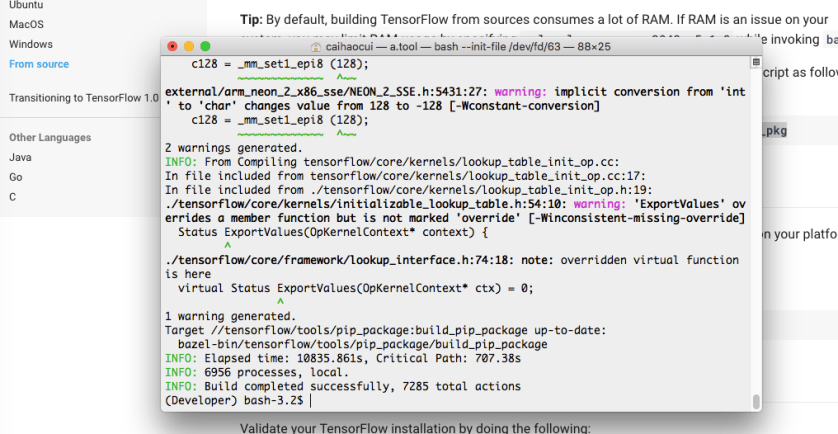
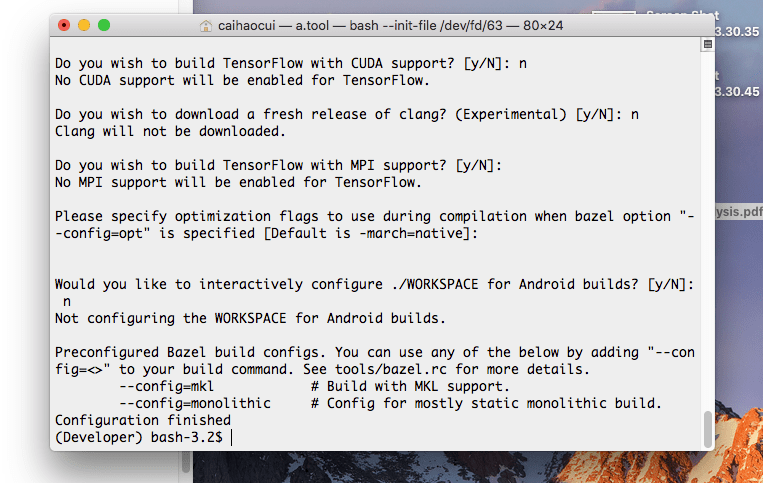
Here are some screen captures:

Encourage the Author to create more useful and interesting articles.
All the money will be donated to the Standford Rural Area Education Program (reap.fsi.stanford.edu).
A$2.00
–END–
 C. Cui's Blog